Register table
What you will find in this section:
Register table
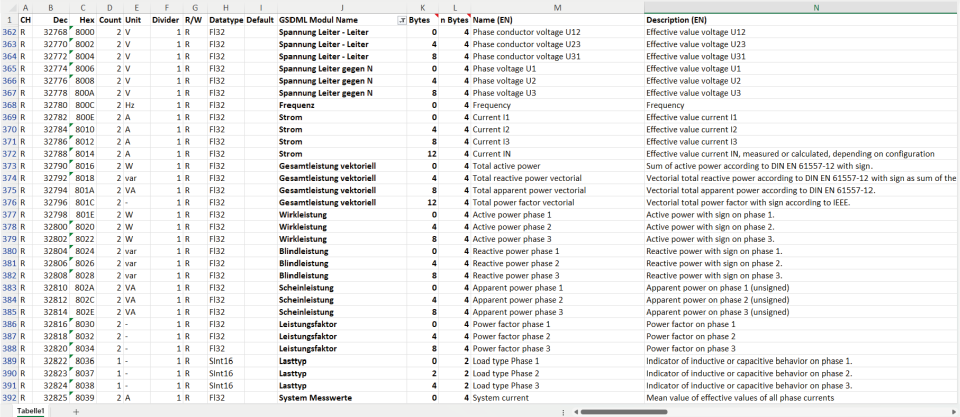
The register table is available for download from the Phoenix Contact website.
- Open phoenixcontact.net/products .
- Enter the order number of your energy measuring device into the search field.
- In the download area of the product, you will find the register table under “Application notes”.
To display the registers that are available via Profinet, the table should be filtered according to the "GSDML Module Name" column and empty cells should be deselected.
Related topics